

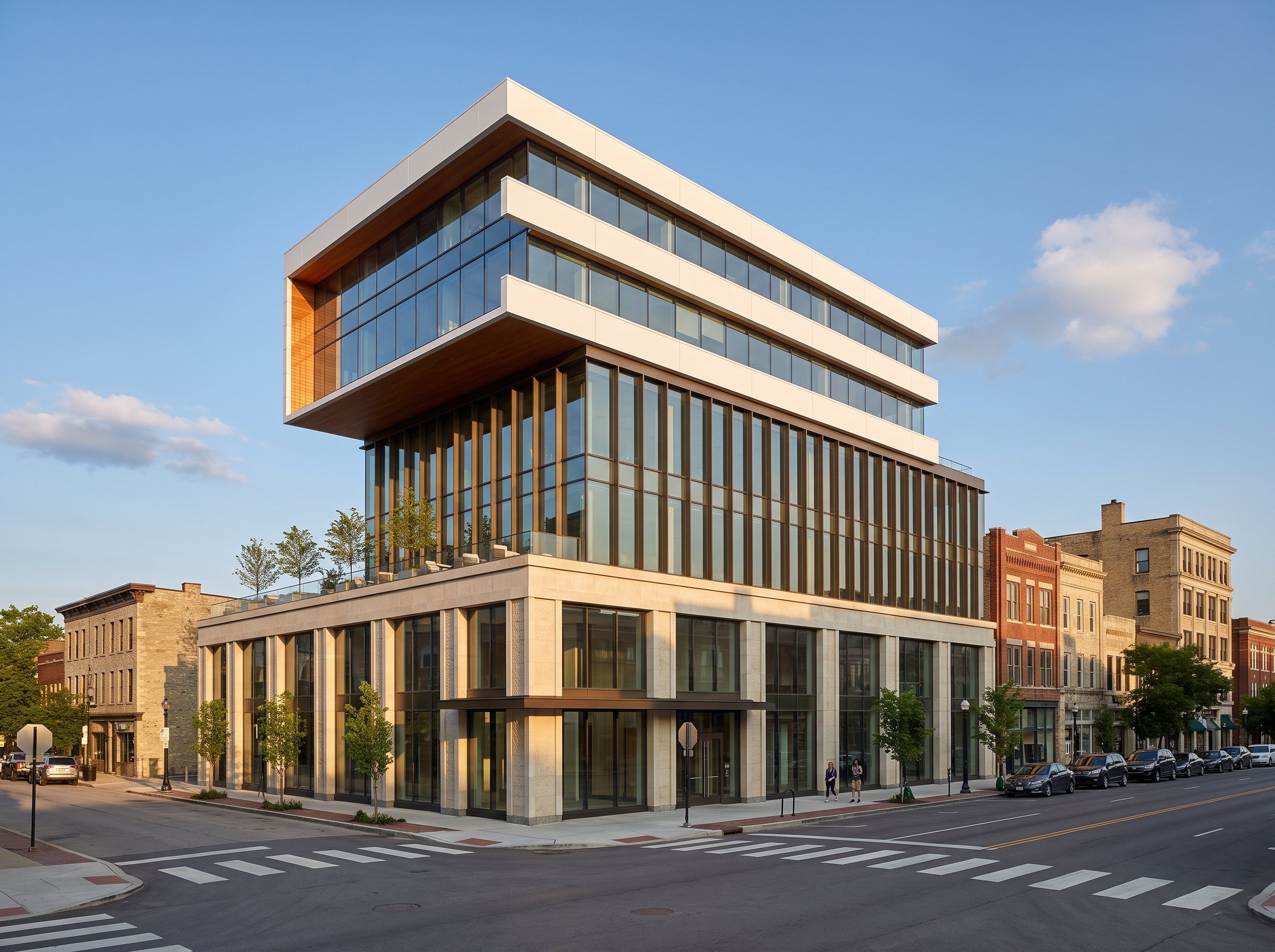
How it works
From a massingto a Revit set.
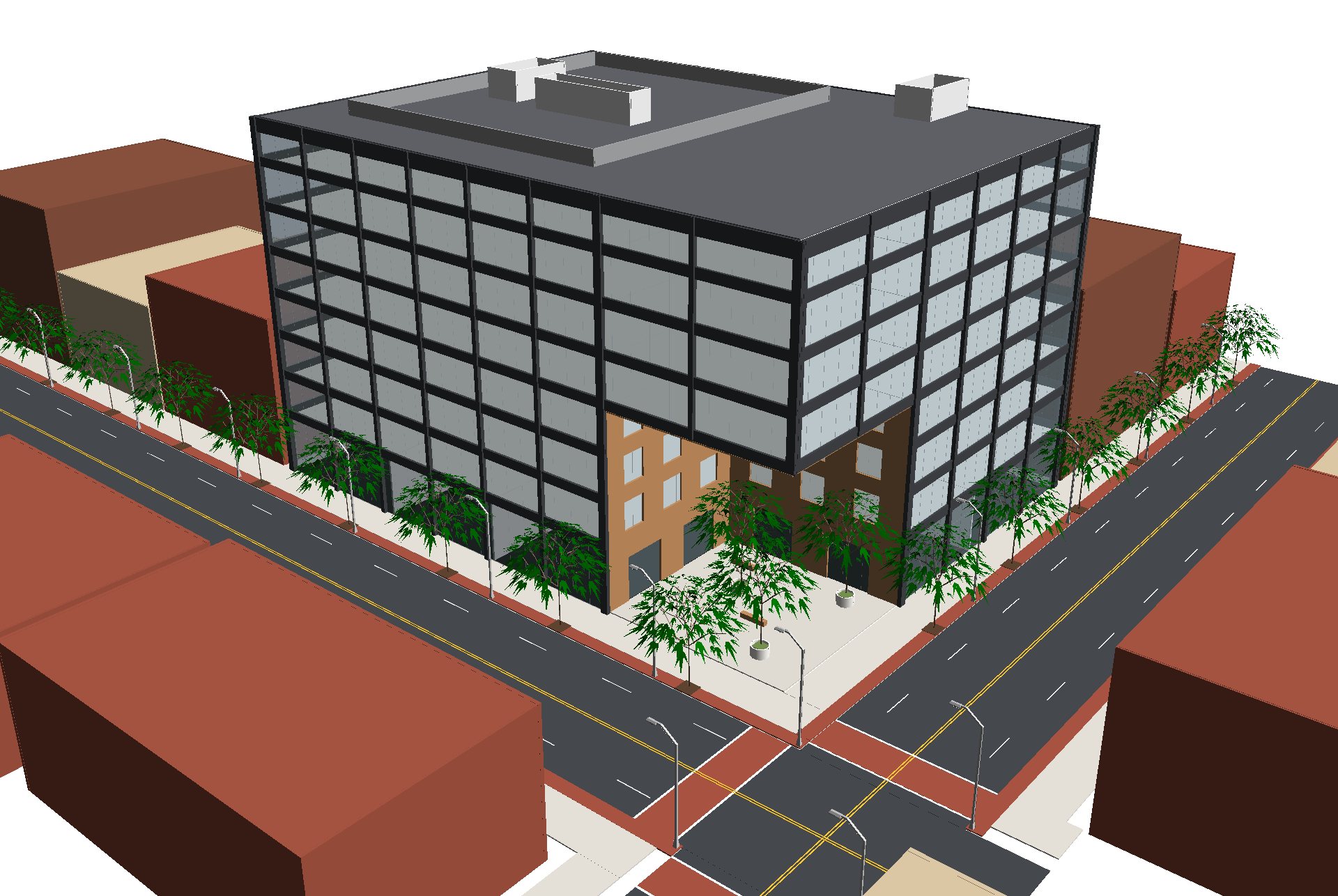
We render the massing, build the Revit model from the approved rendering, and document it on your titleblock. Here are three office buildings, start to finish.
The process
One building, four stages. Every stage is a real file.
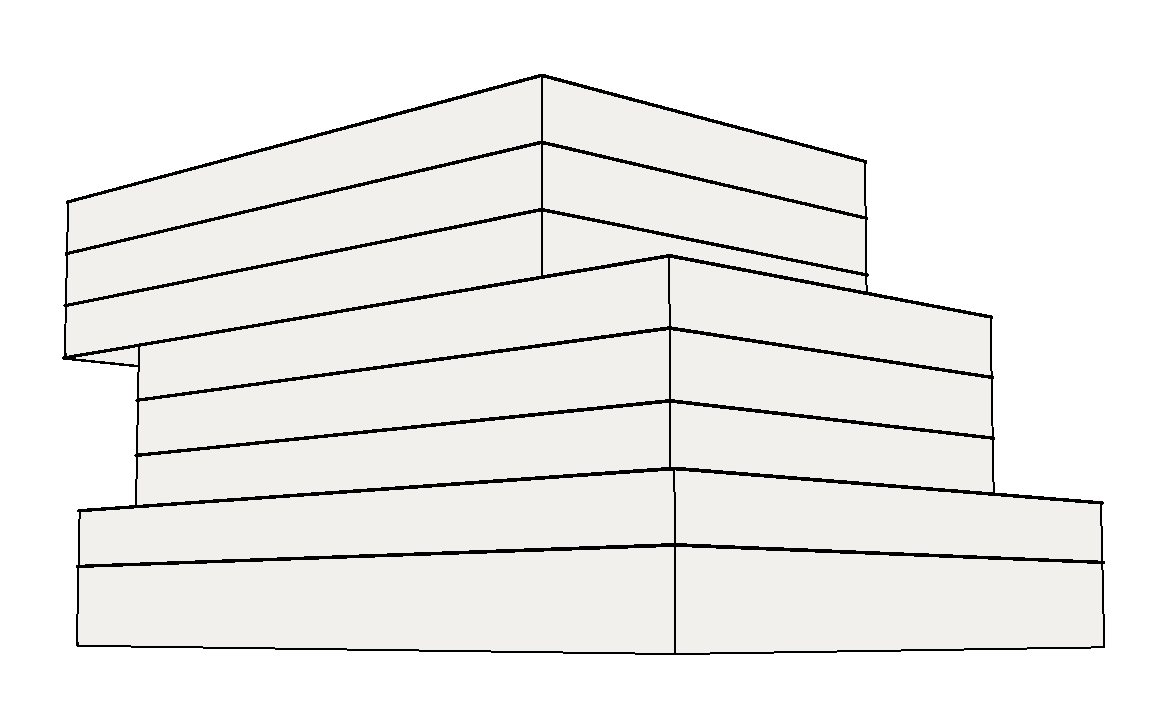
Massing
The big moves first: how the building sits on the corner, how tall it is, where it steps and cantilevers. Simple volumes in Revit, quick to compare.
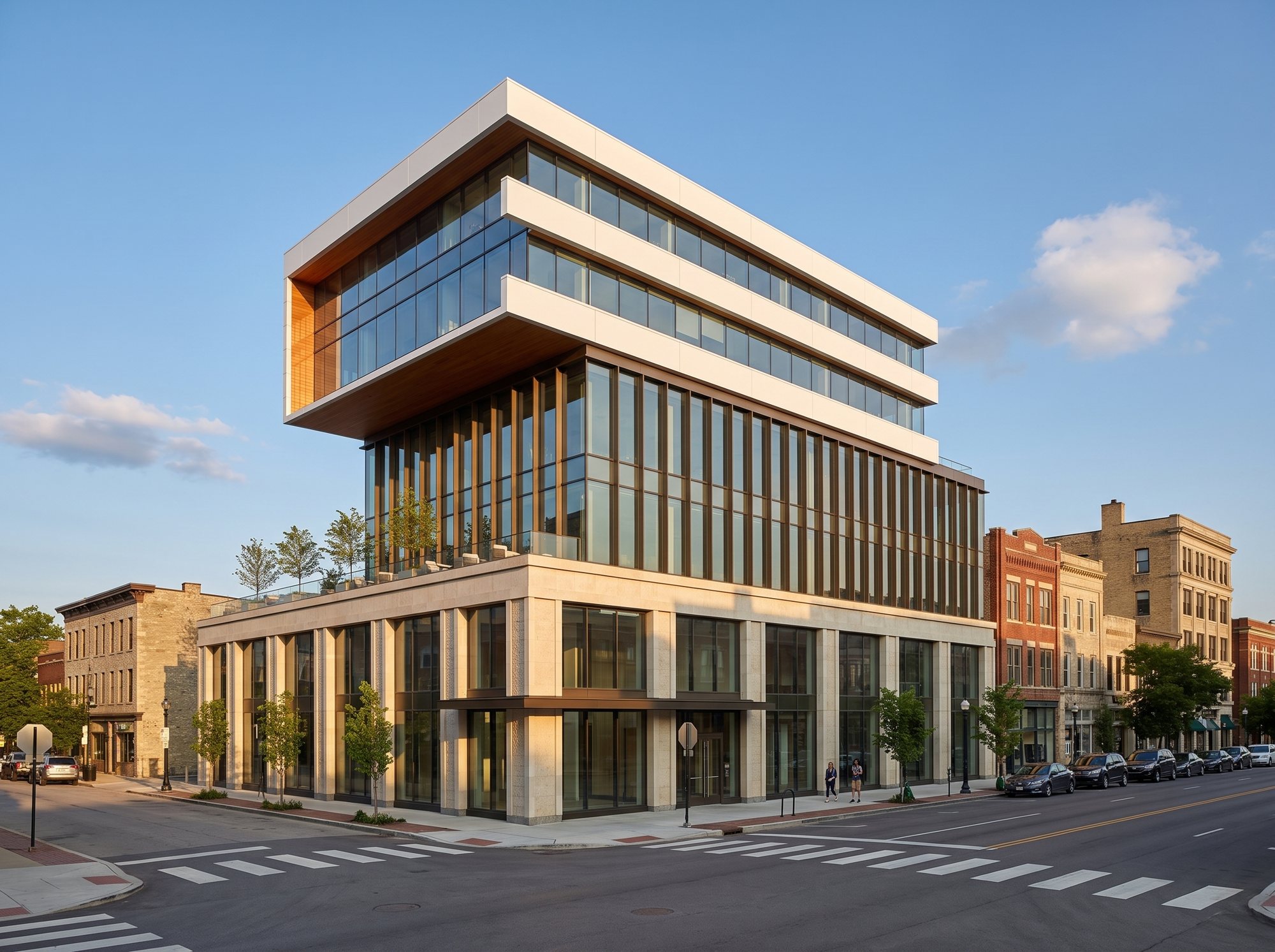
Rendering
That exact Revit view is rendered with AI, held to the massing and a project palette. The approved rendering becomes the design.
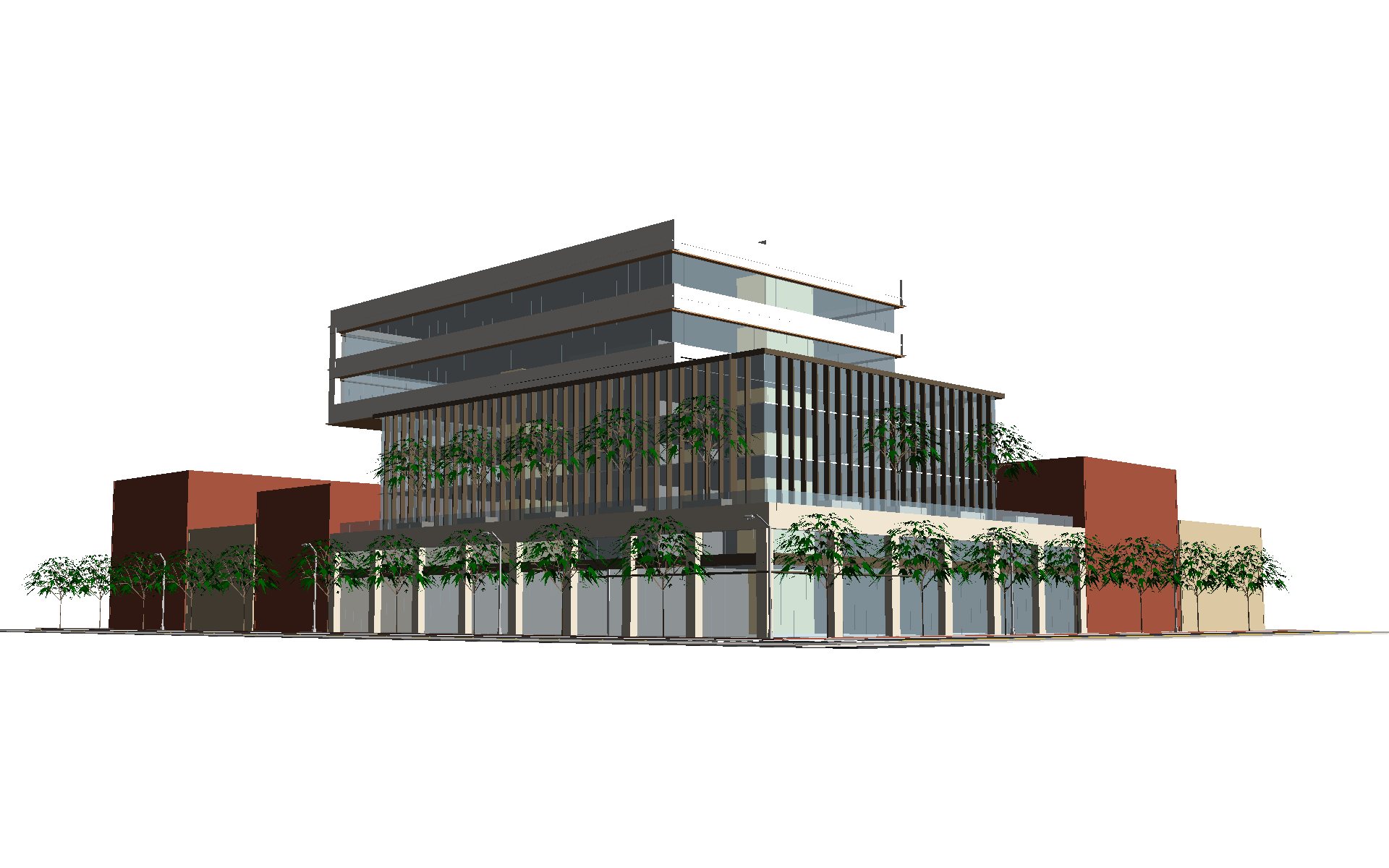
Revit model
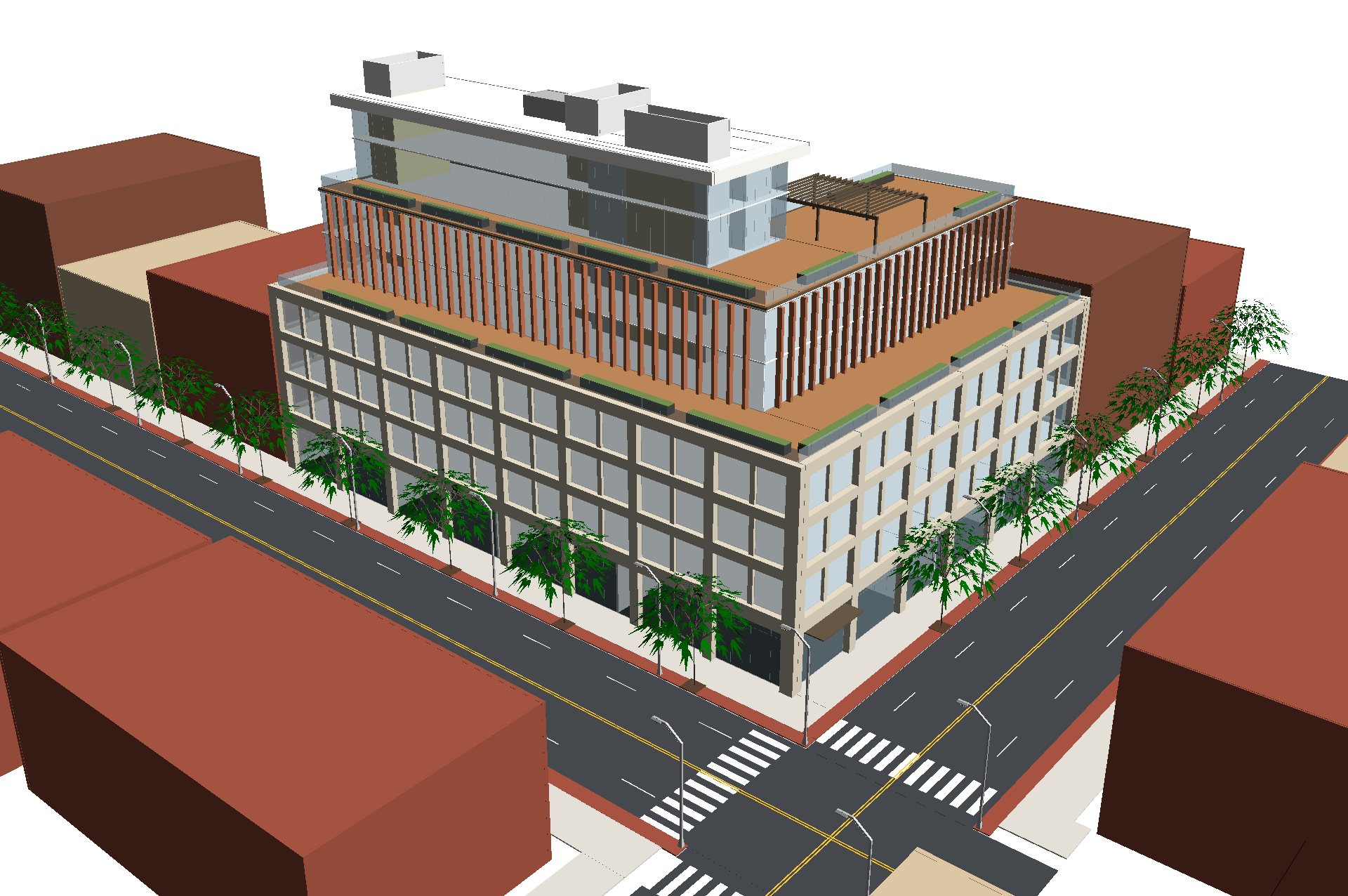
We measure the rendering (every band, fin, pier and bay) and build the Revit model to match it, down to the street in front.
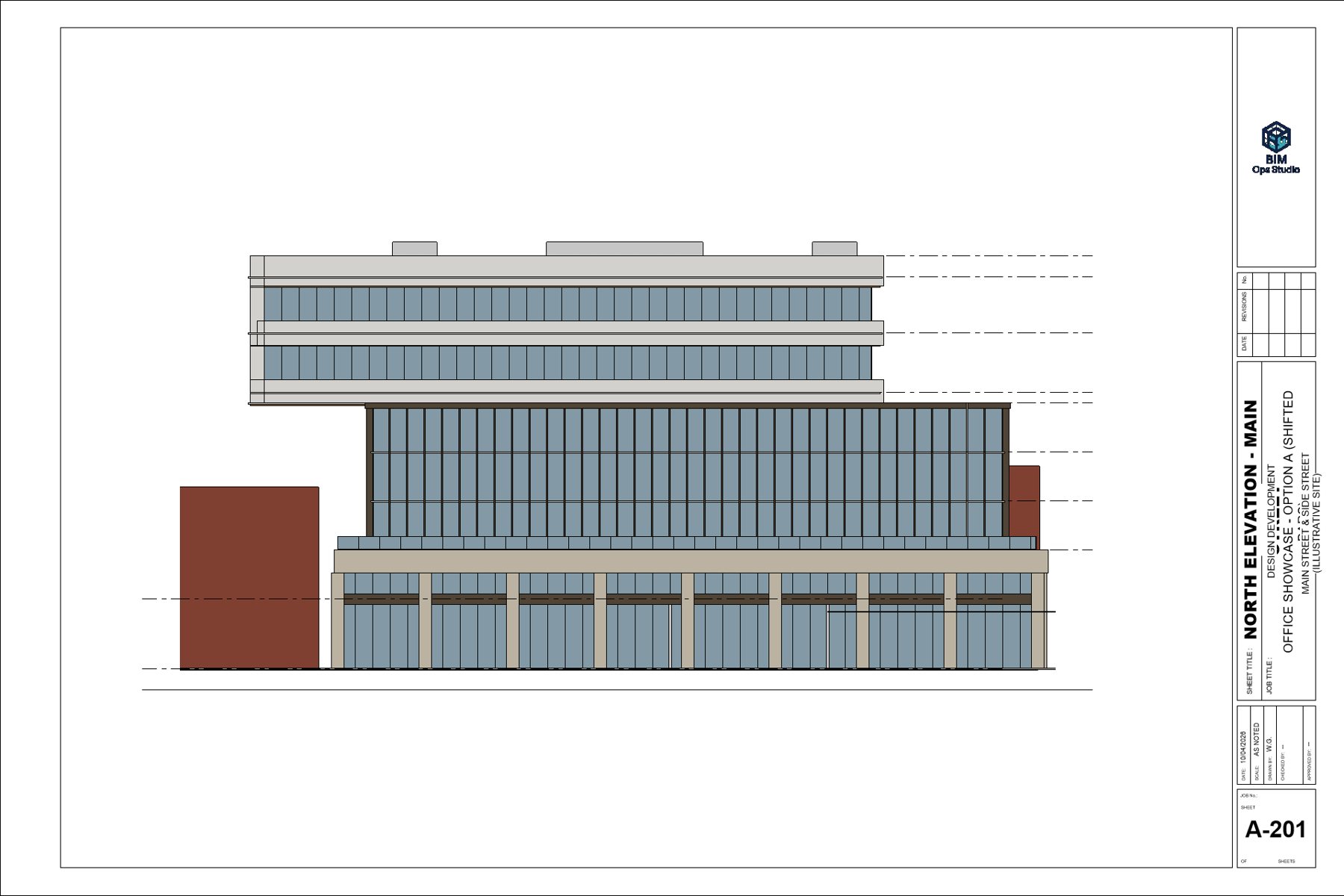
Documents
Plans, RCPs, elevations, sections and schedules on your titleblock, with the rendering in the set.
Watch it built
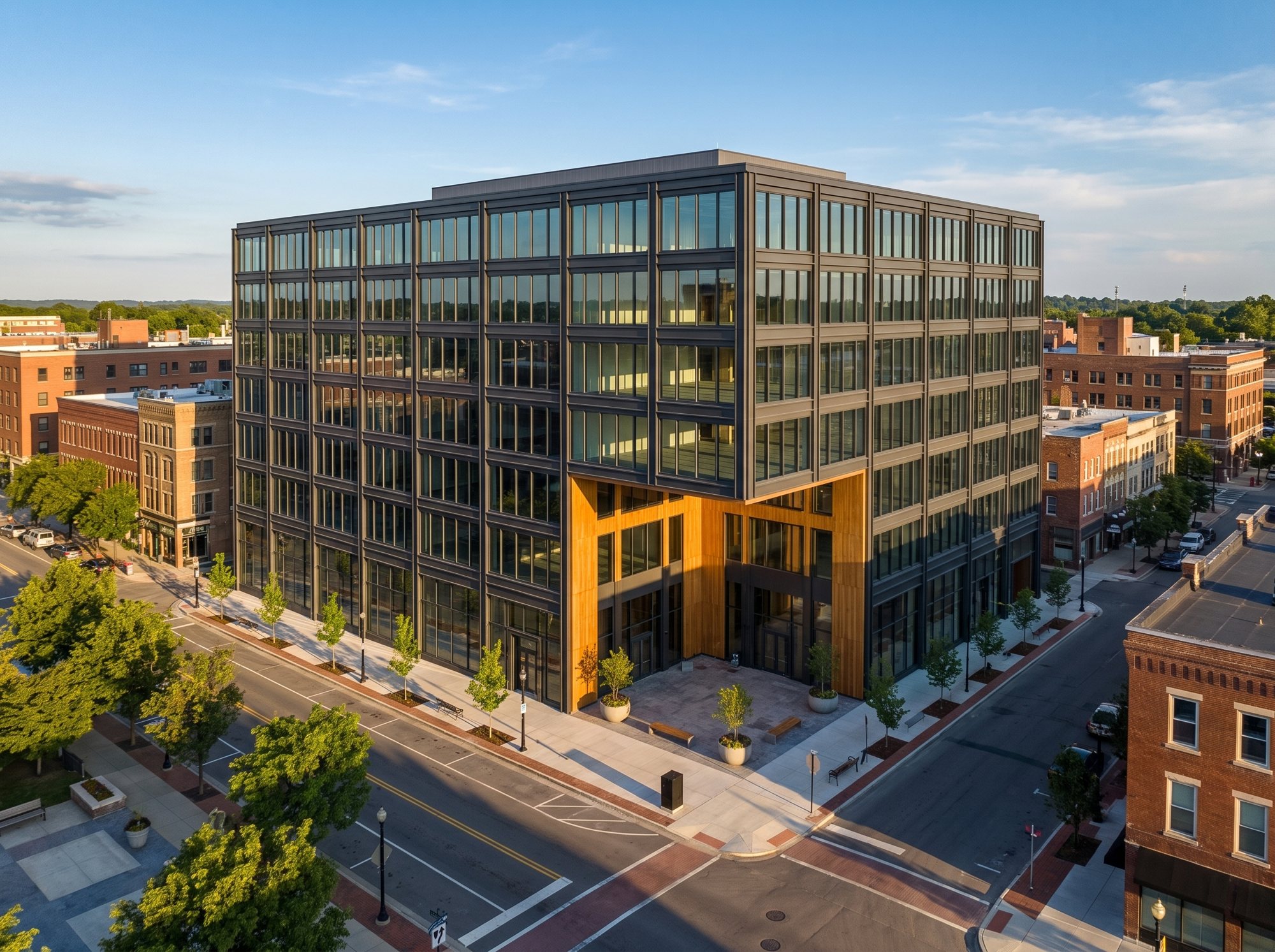
Recorded in Revit, hands offThree buildings, one process
Rendering, then the model built from it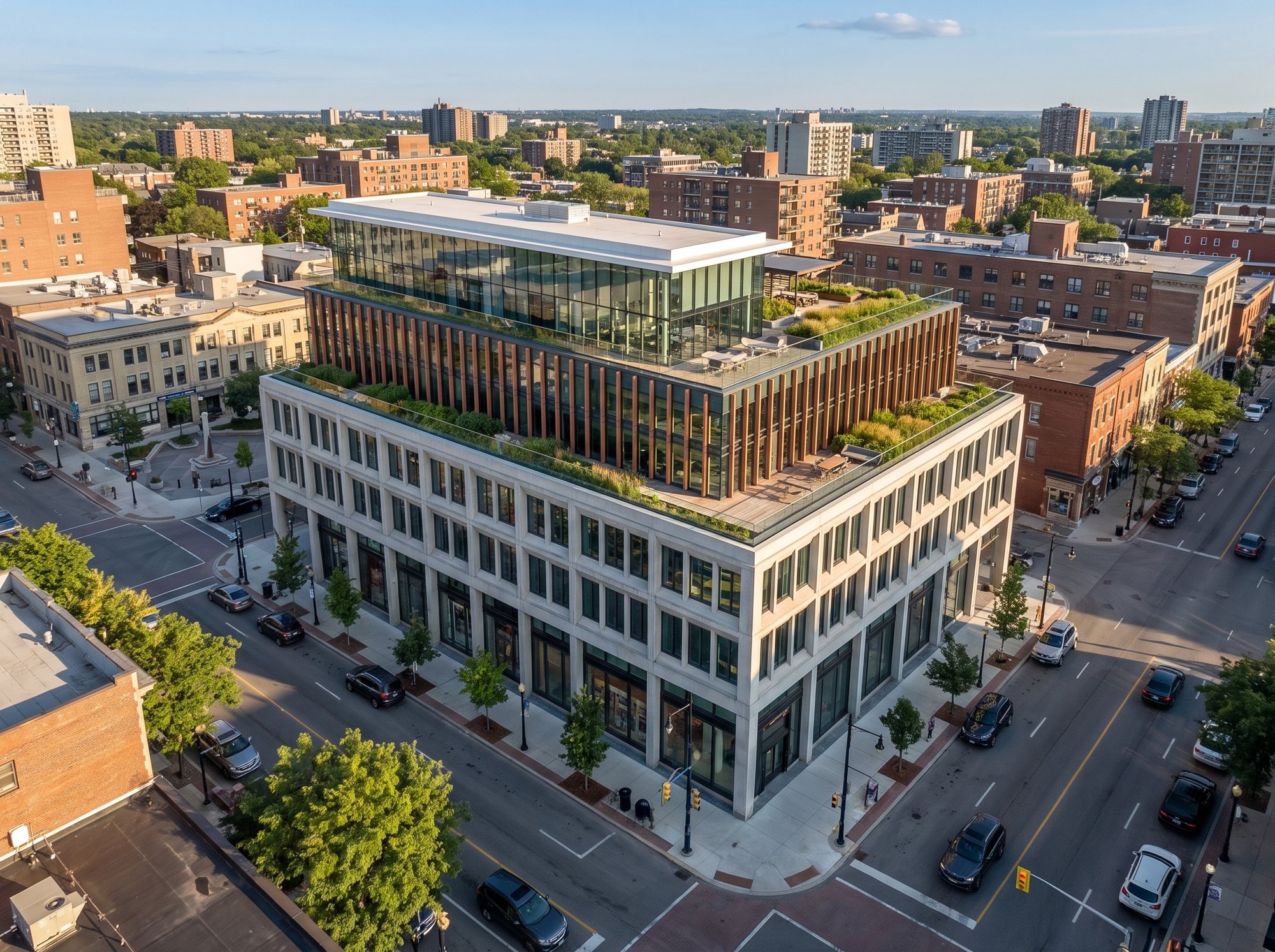
Who does the work
Automation does the volume.A specialist signs every set.
The production runs on software we wrote ourselves. It drives Revit directly, builds the elements, places the views and assembles the sheets, and it gets more accurate every project because every mistake is written down and checked for next time.
Nothing leaves the studio without a BIM specialist's review against your standards and QA checklist. The work is produced in the United States, and nothing is installed on your side.
You buy what it produces. Not the software.
Working with us
Four steps, one point of contact, no surprises on price.
Send what you have
A massing, a rendering, PDFs, DWGs, scans, sketches or redlines. For site work, the project address is enough to start.
A fixed price and a date
We review the source and come back with a fixed price and a delivery date, agreed before any work starts.
Built and checked
Built in Revit on your template by our automation, then checked: placement against the project address, county parcel, survey and lidar terrain; the model against the source, view by view.
Signed off and delivered
A BIM specialist reviews the set before it reaches you. You get native Revit and a coordinated PDF set, with one revision round included.
What comes back
Services →A working model, not a traced shell
Real walls, floors, curtain walls, doors, rooms and sheets your team can open and keep designing in, in your version of Revit, on your titleblock.
- 01Native .rvt built on your template, families and naming
- 02Plans, elevations, sections and schedules placed on your titleblock
- 03A coordinated PDF set
- 04The renderings, placed in the set
- 05One revision round against the delivered scope
Placed on the real site
Site and 3D mapping →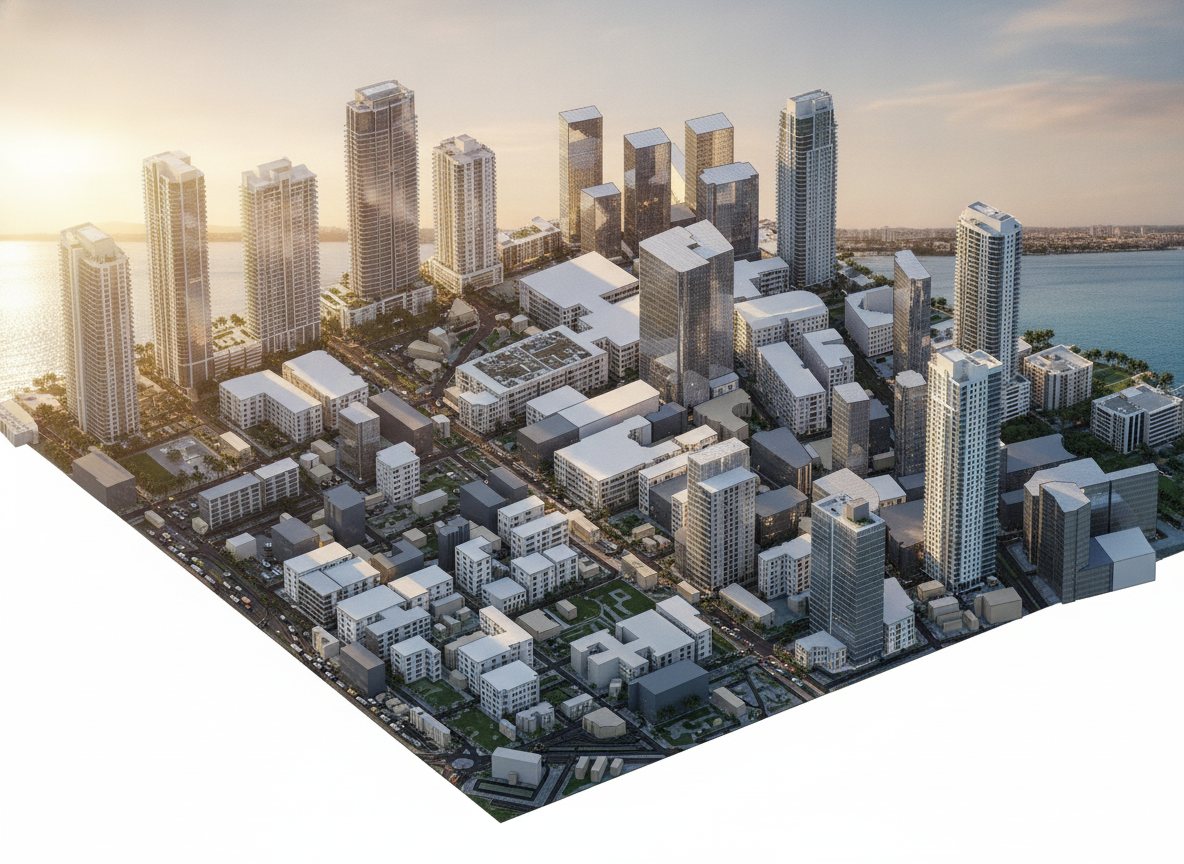
Tied to the project address, checked against the record
On a real project, the model starts from where the building really is. We check placement against public records for the address and build the site around it, so the model sits where it will be built, not eyeballed onto an aerial.
- 01County parcel lines and the recorded lot area
- 02The survey you send, point by point
- 03USGS lidar terrain for real ground levels
- 04Surrounding buildings, streets and context, mapped
Common questions
All questions →Can you start from a massing or a rendering instead of drawings?
Yes. Send a massing, a sketch or an approved rendering and we build the Revit model to match it, then document it, the way the three office buildings on this page were done.
Does this replace our architects?
No. We take the repetitive production work off your desk (modeling, sheet creation, view placement, annotation) and hand back finished files. Design, client relationships and the decisions that need professional judgment stay with your team, and so does the seal.
What Revit versions do you work in?
Revit 2025, 2026 and 2027. We work in your version and hand back a native .rvt you can open and keep working in, built in your template with your families and naming.
Is our project data secure?
Your files stay on infrastructure under our control and are never uploaded to third-party BIM services or used to train anything. Work is produced in the United States. Nothing is installed on your machines and nothing runs on your network.
Why is this faster than a conventional drafting team?
Our own automation drives Revit directly: it builds the elements, places the views and assembles the sheets instead of clicking through them by hand. A specialist checks the result. You buy what it produces, not the software.
Send us a massing, a rendering or a drawing.
A fixed price and a delivery date, agreed before any work starts.
Start a project